
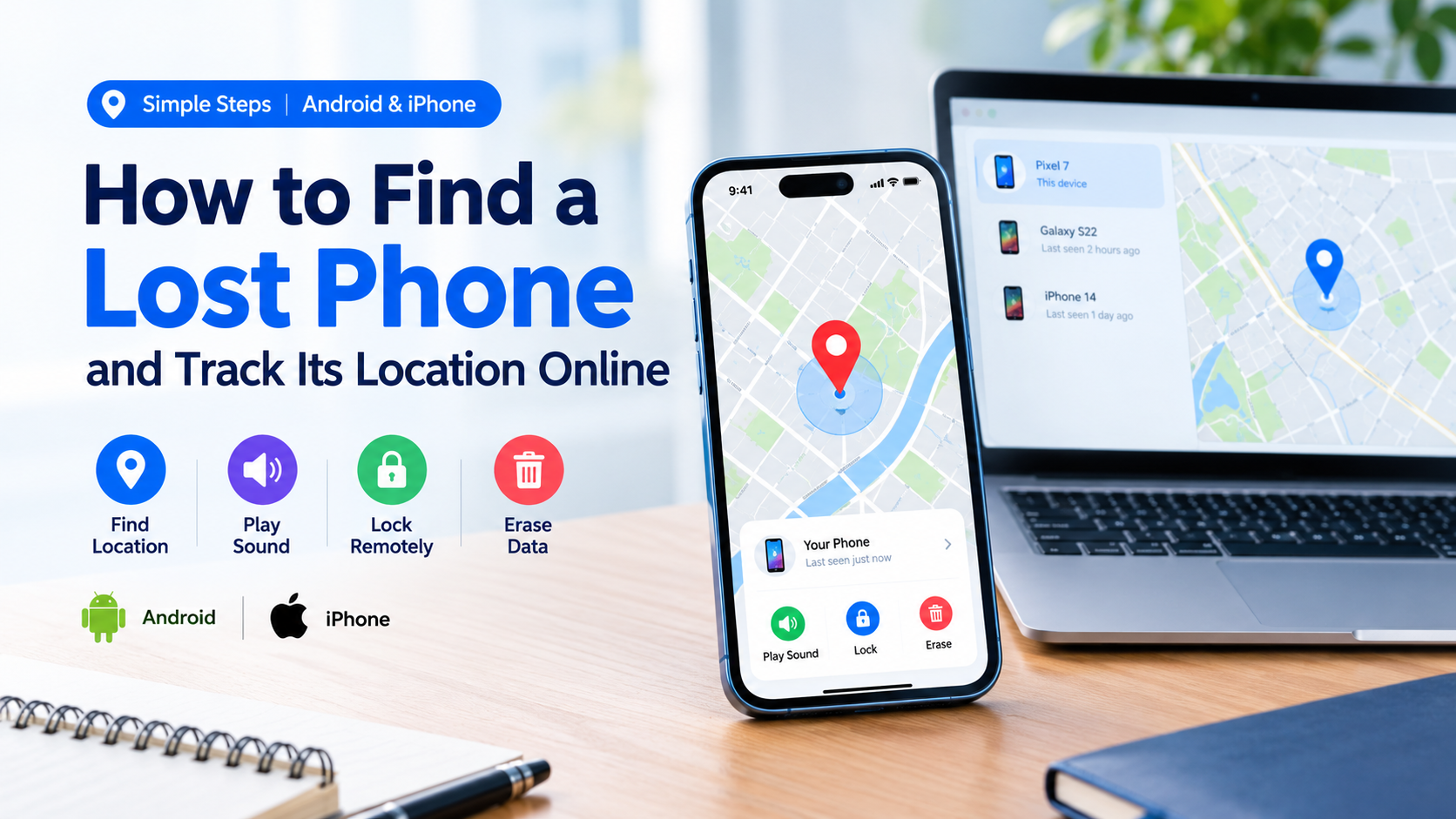
Losing your smartphone can be stressful, especially when it contains personal photos, contacts, important messages, and access to banking or social media accounts. Fortunately, Android and iPhone devices have built-in tools that can help you locate a missing phone, make it ring, lock it remotely, or erase its data if necessary.
The good news is that you may be able to find your phone online without installing another tracking app. In this guide, you’ll learn how to find a lost Android phone or iPhone, check its last known location, protect your personal information, and take the right steps if you suspect it has been stolen.
What to Do First When Your Phone Goes Missing
Before trying advanced tracking methods, take a moment to retrace your steps. Your phone might be nearby rather than stolen.
Follow these simple steps:
- Call your phone from another number to see whether someone answers.
- Check your home, office, vehicle, bag, and other places you visited recently.
- Use your phone’s official tracking service to check its location.
- If the phone appears to be somewhere unfamiliar, secure it remotely.
- If you suspect theft, protect your accounts and contact the appropriate authorities.
Acting quickly can improve your chances of recovering your device and reducing the risk of unauthorized access.
How to Find a Lost Android Phone Online
Google provides an official device-finding service called Find Hub, previously known as Find My Device. It allows you to locate compatible Android devices, play a sound, secure the screen, or erase the device remotely.
You can access it from a computer, tablet, or another smartphone.
Step 1: Open Google Find Hub
Visit the official website:
Sign in using the Google Account associated with your missing phone. If you have multiple Google Accounts, make sure you select the one connected to the lost device.
Step 2: Select Your Missing Phone
After signing in, select your phone from the available devices. If the service can locate it, a map will display its current or most recently available location.
Depending on your phone’s settings and connectivity, the service may show an approximate location rather than an exact position.
Step 3: Choose the Appropriate Action
Google Find Hub provides several useful options.
Play sound: Make your phone ring when you believe it is nearby. This can help you find a device hidden under furniture or inside a bag.
Mark as lost or secure the device: Lock the phone and, where supported, display a message or contact number on the lock screen so someone can return it.
Factory reset or erase: Remotely erase the phone’s data when recovery seems unlikely and protecting sensitive information becomes the priority. This action can be irreversible, and you may no longer be able to track the device afterward.
For the latest instructions, visit the official Google Android Help guide.
Can You Find an Android Phone When It Is Offline?
Sometimes, yes. Depending on the device, settings, and Find Hub network availability, the service may display a recent location or help locate a supported device while it is offline.
However, offline tracking is not guaranteed for every phone. If the device cannot be located, check the last available location and secure the device as soon as possible.
How to Find a Lost iPhone Online
Apple provides a built-in service called Find My. If Find My was enabled before your iPhone went missing, you can use it to locate the device, play a sound, activate Lost Mode, or erase it remotely.
Step 1: Open Apple’s Find Devices Website
Visit the official Apple Find Devices page:
Sign in using the Apple Account associated with your missing iPhone. Follow the on-screen instructions to view your devices.
Step 2: Select Your Lost iPhone
Choose your iPhone from the device list. If a location is available, it will appear on the map.
If the iPhone is offline, you may see its last known location or a location reported through Apple’s Find My network, depending on the device and its settings.
Step 3: Activate Lost Mode
If you cannot recover the phone immediately, use Lost Mode when available.
Lost Mode can lock your iPhone and let you display a message with contact information. It also helps protect your information while you attempt to recover the device.
You should also review your Apple Account security if you believe someone may have accessed your phone.
Step 4: Erase Your iPhone if Necessary
If you believe your iPhone will not be recovered, remote erasure may help protect your personal data. Read Apple’s current guidance before proceeding because erasing a device can affect your ability to locate it.
For more information, visit Apple Support.
How to Track a Lost Samsung Phone
Samsung Galaxy users can check Google’s Find Hub and Samsung’s official device-finding options, where supported.
Start with Google Find Hub. If your Samsung phone is connected to the relevant Samsung account and supports Samsung’s service, visit Samsung SmartThings Find.
Sign in with the account associated with your device, select the missing phone, and review the available location and security options.
The available features depend on your model, software version, account settings, and whether the phone can communicate with the service.
Can You Track a Phone Using Its Number?
Many websites claim that entering a phone number will reveal the device’s exact GPS location. Be careful with these claims.
A regular phone number does not give the public unrestricted access to a phone’s live GPS coordinates. Legitimate tracking generally requires an authorized device-finding service, consent-based location sharing, or assistance from a mobile operator or law enforcement under applicable procedures.
Avoid websites that promise instant, precise tracking in exchange for payment, passwords, verification codes, or suspicious app installations.
If your own phone is missing, use Google Find Hub or Apple Find My instead of relying on unverified tracking websites.
How to Find a Phone’s Last Known Location
If your phone is switched off or has lost its internet connection, you may still be able to find information that helps narrow down your search.
Try these options:
- Android: Open Google Find Hub and check whether a recent or last known location is available.
- iPhone: Open Apple Find Devices and review the location information displayed for your device.
- Google Maps Timeline: If Timeline was enabled and location history was saved, check whether relevant location records are available in your Google Account. Timeline data may be stored on the device, depending on your settings, so it might not be accessible from another device.
- Places you recently visited: Contact nearby shops, restaurants, transport providers, or your workplace to ask whether anyone has handed in your phone.
Keep in mind that a last known location is not necessarily the phone’s current location. The device may have moved since the location was recorded.
What to Do If Your Phone Was Stolen
If you believe someone stole your phone, prioritize personal safety and account security over recovering the hardware.
1. Lock Your Phone Remotely
Use Google Find Hub or Apple Find My to secure the device if the relevant feature is available.
2. Contact Your Mobile Operator
Ask your carrier to block your SIM card and explain what options are available for reporting the device as stolen. If appropriate, ask about blocking the handset’s IMEI through the applicable local process.
3. Protect Your Accounts
From a trusted device, review your email, banking, payment, and social media accounts. Change passwords when necessary, revoke suspicious sessions, and contact your bank immediately if you notice unauthorized activity.
Never share one-time passwords or account recovery codes with someone claiming they can return your phone.
4. Report the Theft
Contact local law enforcement and provide the information you have, including the device model, IMEI, and any relevant location details. In Bangladesh, you can also contact your mobile operator for guidance on the appropriate SIM and handset-blocking procedures.
Do not confront a suspected thief or visit an unfamiliar location alone based on a tracking map.
5. Consider Remote Erasure
If the phone contains sensitive information and recovery appears unlikely, consider erasing it remotely. Review the official instructions first because this may limit future tracking options.
How to Prepare Your Phone Before Losing It
A few minutes of preparation can make a major difference if your phone disappears later.
For Android phones:
- Add your Google Account to the phone.
- Check that Find Hub is enabled.
- Set a strong screen lock.
- Review the available offline-finding settings.
- Keep a record of your phone’s IMEI in a safe place.
For iPhones:
- Enable Find My in your iPhone settings.
- Enable the Find My network and Send Last Location options when available.
- Use a strong device passcode.
- Enable two-factor authentication for your Apple Account.
- Keep your recovery information up to date.
For both platforms, regularly back up important photos, contacts, and documents so you can recover your information if the phone cannot be returned.
Frequently Asked Questions
Can I track my lost phone online for free?
Yes. Google Find Hub and Apple’s Find My are free official services for locating and securing compatible devices. You must have the necessary account access and supported settings enabled.
Can I find my phone if it is switched off?
You might be able to view its last known location. Some supported devices can also be located through offline-finding networks. Results depend on the phone, settings, battery state, and network availability.
Can I locate my phone without its SIM card?
Possibly. If the phone connects to Wi-Fi or can be detected through a supported offline-finding network, its location may still be available. Removing the SIM card does not automatically disable every tracking method.
Can I track a phone using only its IMEI number?
No. An IMEI is a device identifier, not a public GPS tracking tool. It can help a mobile operator or the appropriate authorities identify or block a handset through authorized procedures.
What should I do if I cannot sign in to my Google or Apple Account?
Use the provider’s official account recovery process from a trusted device. Avoid third-party services that request your password or verification codes in exchange for finding your phone.
Should I erase my phone immediately?
Not necessarily. First, consider whether you can locate and secure the device. Remote erasure is a more drastic option and can affect tracking. If sensitive data is at risk, however, protecting your information may be more important than recovering the phone.
Final Thoughts
Finding a lost phone is often easier when you act quickly and use the right tools. Android users can start with Google Find Hub, while iPhone users should use Apple’s Find My service. Both provide official ways to locate compatible devices and protect personal information.
If the phone cannot be found, secure your accounts, contact your mobile operator, and report suspected theft to the appropriate authorities. Most importantly, prepare your device in advance by enabling its tracking features, setting a secure screen lock, and keeping your important data backed up.
Helpful links: